Vexplot

Math visuals for lessons, notes, and worksheets

Vexplot

Create clean coordinate graphs, bar charts, and line charts in the browser. Vexplot is built for people who need a useful math visual quickly, then need to place it in a worksheet, slide, note, or revision resource.

No sign-up. Exports SVG and PNG. Saves recent work in your browser.

Why Vexplot

A practical workspace for math diagrams

Vexplot keeps the interface focused on the visual you are making: points, axes, categories, values, labels, colors, and export.

Fast enough for class

Open a tool, enter the data or points you need, and export a clean visual without setting up an account.

Built for math visuals

Control axes, grid spacing, labels, colors, legends, and image size with settings made for diagrams.

Ready to reuse

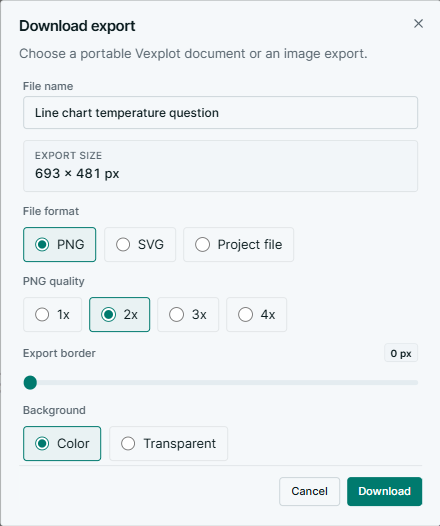
Export SVG for crisp documents or PNG for slides, worksheets, revision notes, and online materials.

Available tools

Start with graphs and categorical charts

Vexplot is growing as a multi-tool math platform. The current tools are the coordinate graph editor and chart maker.

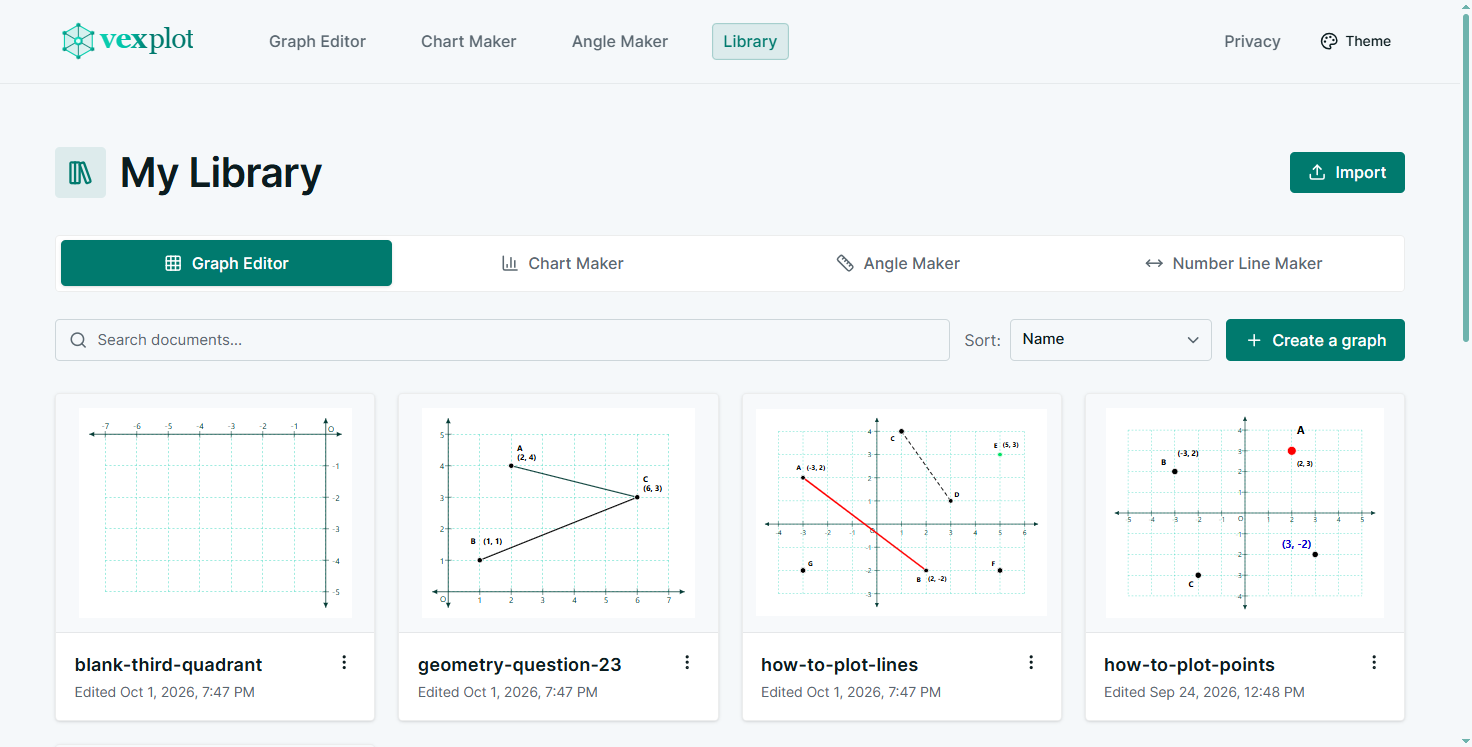
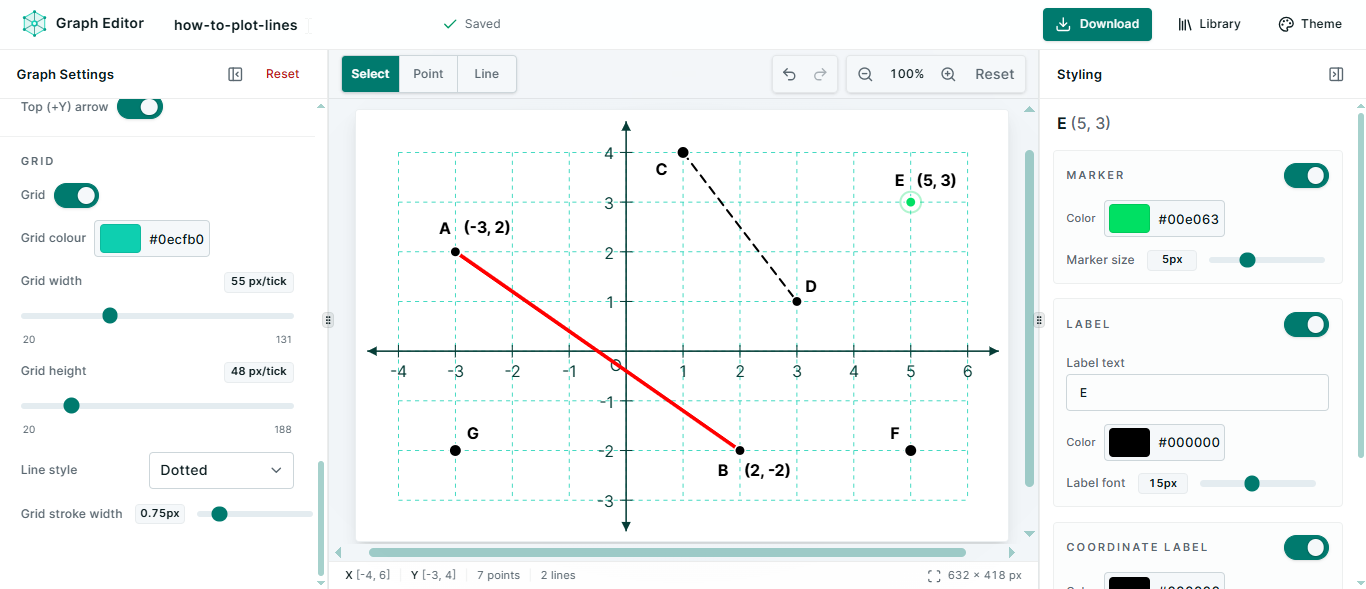
Coordinate graph editor preview with plotted points and graph settings

Coordinate graph editor

Plot points on a coordinate plane, adjust the viewport, label points, and export the graph.

  • Point plotting
  • Custom axes and grid
  • SVG and PNG export
Explore graph editor
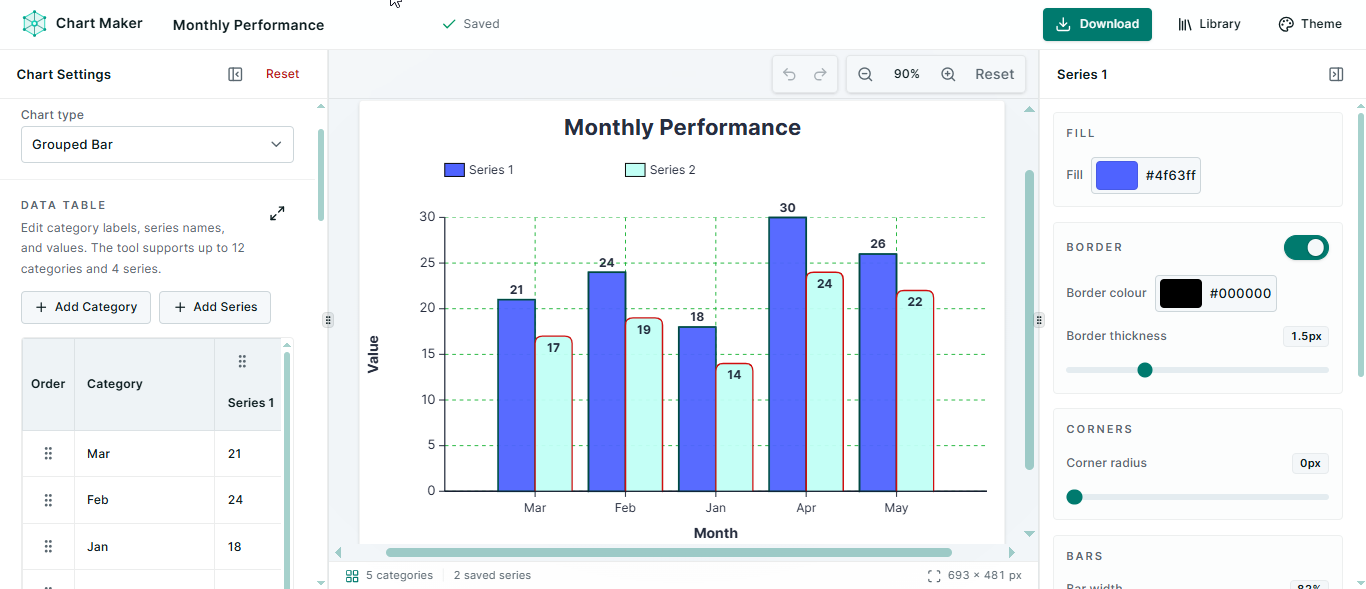
Chart maker preview with a grouped bar chart and settings panel

Bar and line chart maker

Turn category data into simple bar charts or line charts with editable series, titles, and legends.

  • Bar and line charts
  • Editable categories
  • Legend and title controls
Explore chart maker

Who it helps

Made for everyday math communication

The goal is not to replace specialist software. It is to make clear, exportable visuals easier when you are teaching, learning, tutoring, or preparing material.

Students

Create neat graphs and charts for homework, revision sheets, projects, and exam preparation.

Teachers and tutors

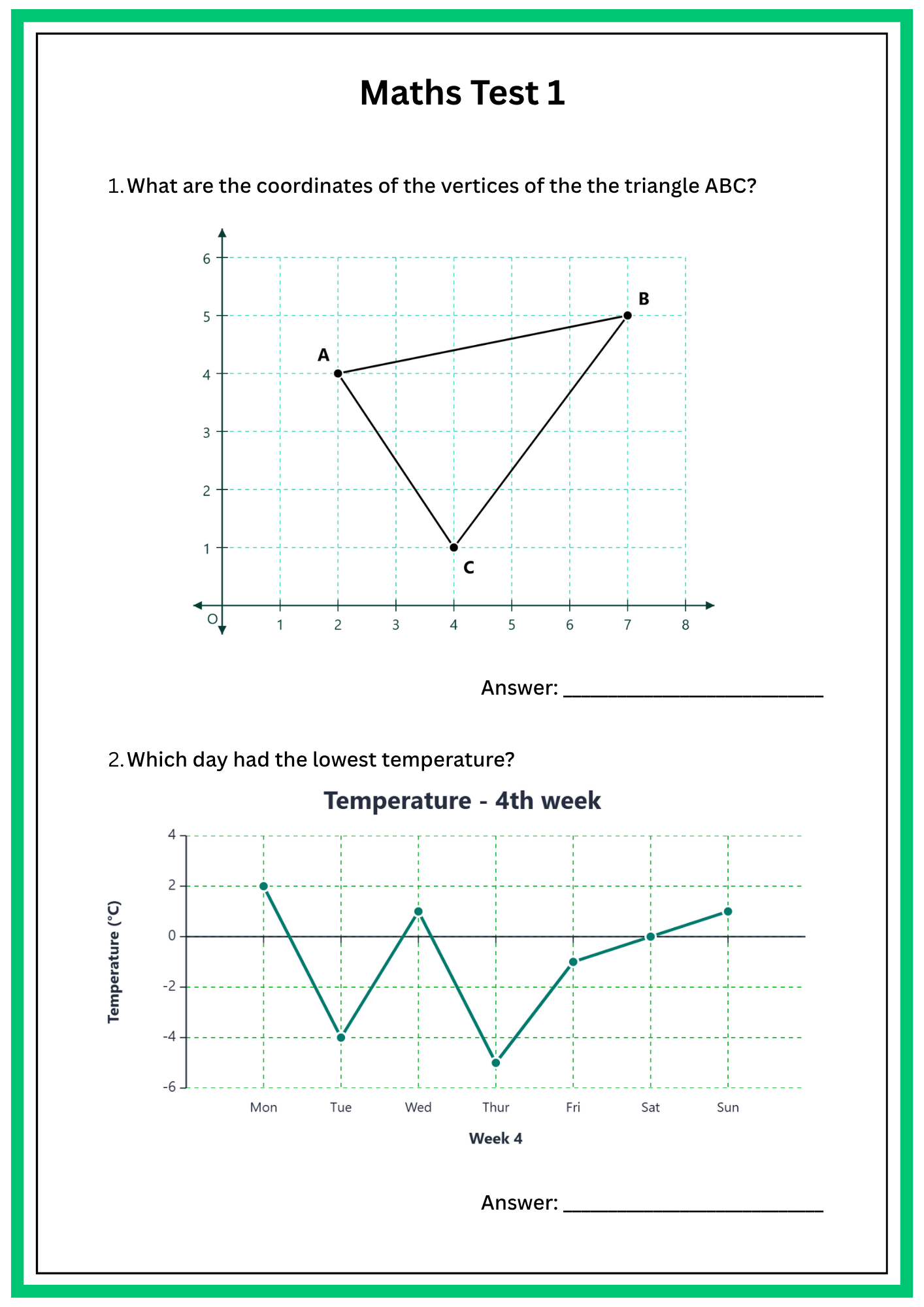
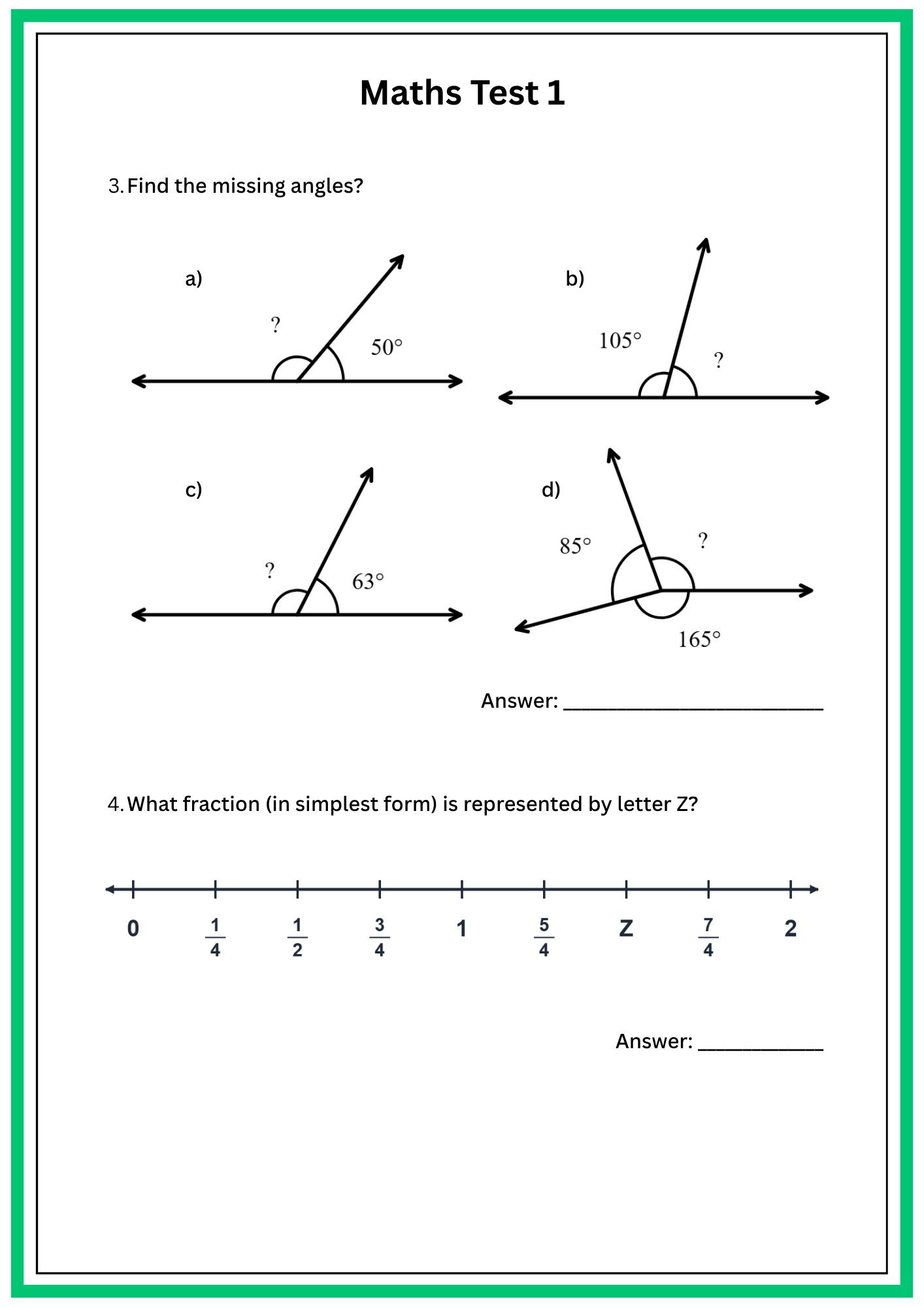
Prepare quick visuals for lessons, printed worksheets, slides, examples, and worked solutions.

Parents and support staff

Make a clear diagram when a learner needs one more example explained visually.

Common uses

  • Plot points for a coordinate geometry question.
  • Create a classroom bar chart from survey data.
  • Export a graph for a worksheet or slide deck.
  • Build a line chart that compares several series.
  • Save a transparent PNG for notes or online revision material.

Simple workflow

1

Choose a tool

Start with the coordinate graph editor or the chart maker.

2

Enter the details

Add points, categories, values, labels, colors, and layout settings.

3

Export the visual

Download SVG or PNG and use the image wherever you need it.

FAQ

Questions before you start

Is Vexplot free to use?

Yes. The current tools are free and run in your browser without an account.

What can I make today?

You can make coordinate graphs, plot labelled points, create bar charts, create line charts, and export the result as SVG or PNG.

Does Vexplot save my work?

Tool settings and data are saved in your browser storage, so the same browser can restore your recent work.

Is this a full spreadsheet or graphing calculator?

No. Vexplot focuses on quick, clean visual exports rather than spreadsheet analysis or calculator features.

Create your next math visual

Open a tool, make the diagram, and export it when it looks right.

Vexplot. Browser-based math tools for clean graphs and charts.