
Style each point and line individually
Choose each point's marker size and colour, and give each line its own colour, solid, dashed, or dotted style and thickness.

Add points, draw line segments, adjust the axes, and export the result as an SVG or PNG. Graph Editor is built for browser-based maths diagrams used in lessons, worksheets, explanations, and simple visual references.
Plot coordinates directly on the grid, then connect them to build clear line-segment diagrams.
Click anywhere on the coordinate plane to place a point at an exact grid position.
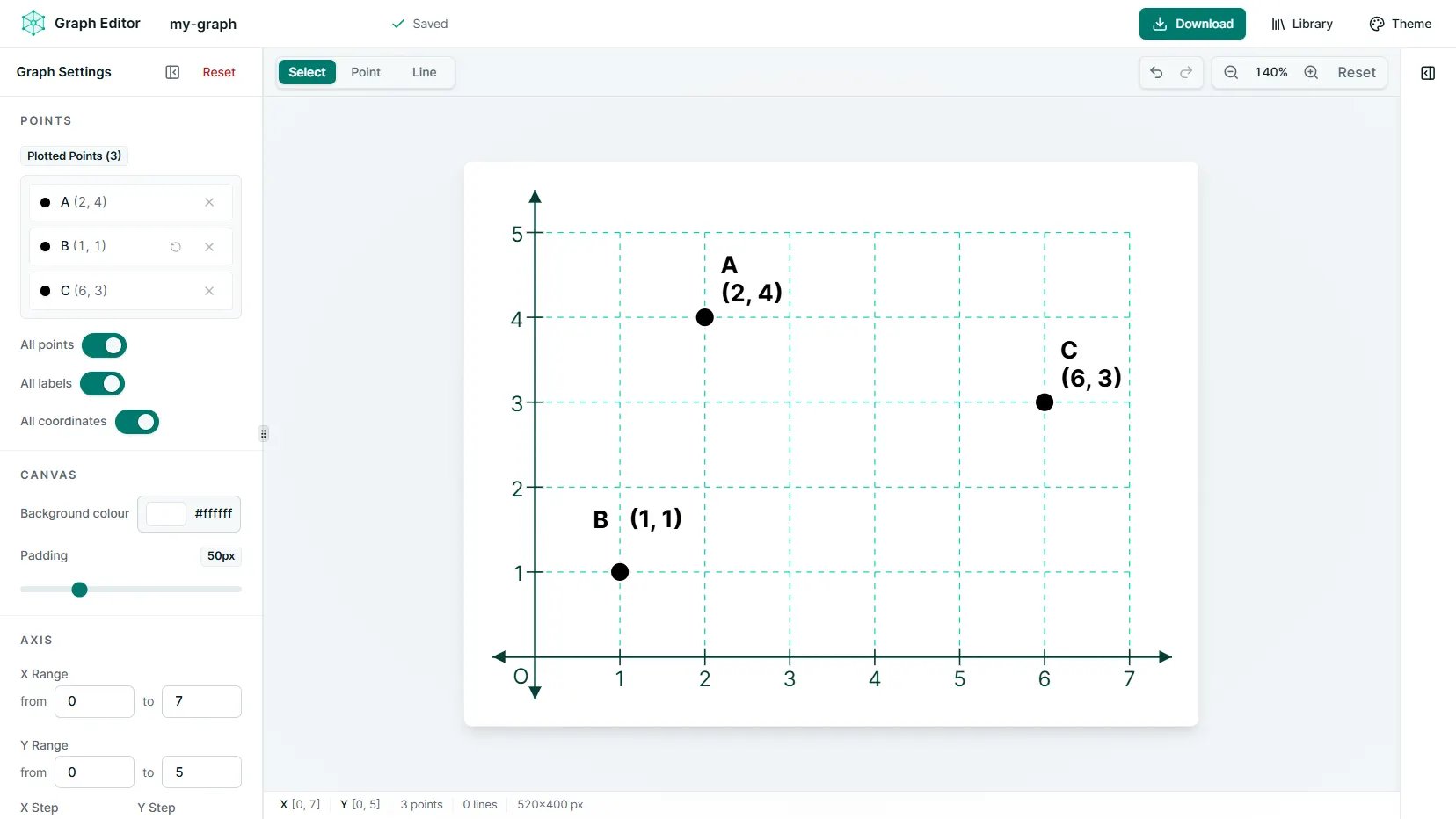
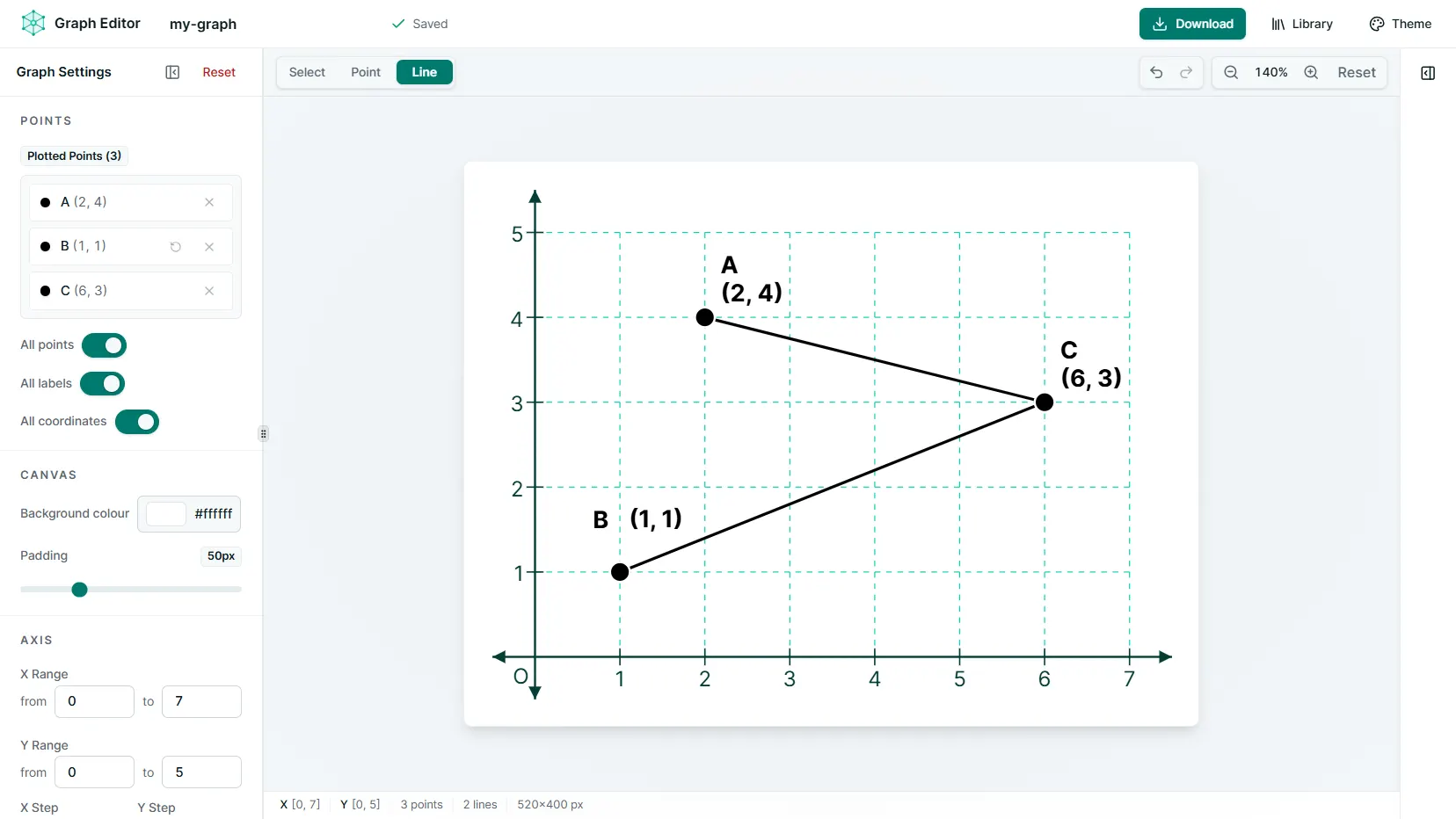
Select two grid positions to connect them with a line segment.
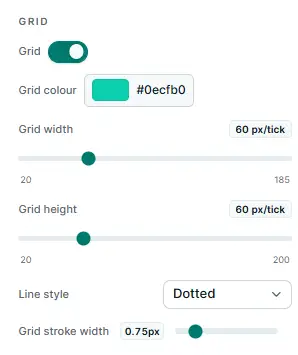
Define the mathematical view first, then decide how the grid and axes should look. The canvas responds to your tick counts and spacing instead of drawing a decorative grid behind the graph.
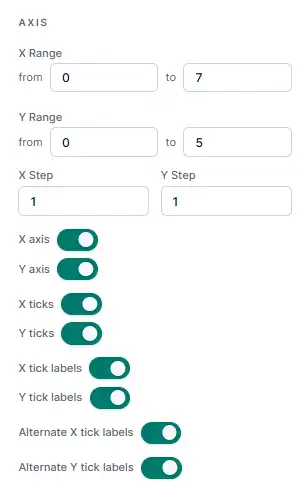
Choose exactly which X and Y values the coordinate plane shows.
Set mathematical steps independently from the on-screen grid width and height.
Control axes, ticks, tick labels, and positive or negative arrowheads.
Highlight what matters and place labels where they read clearly.
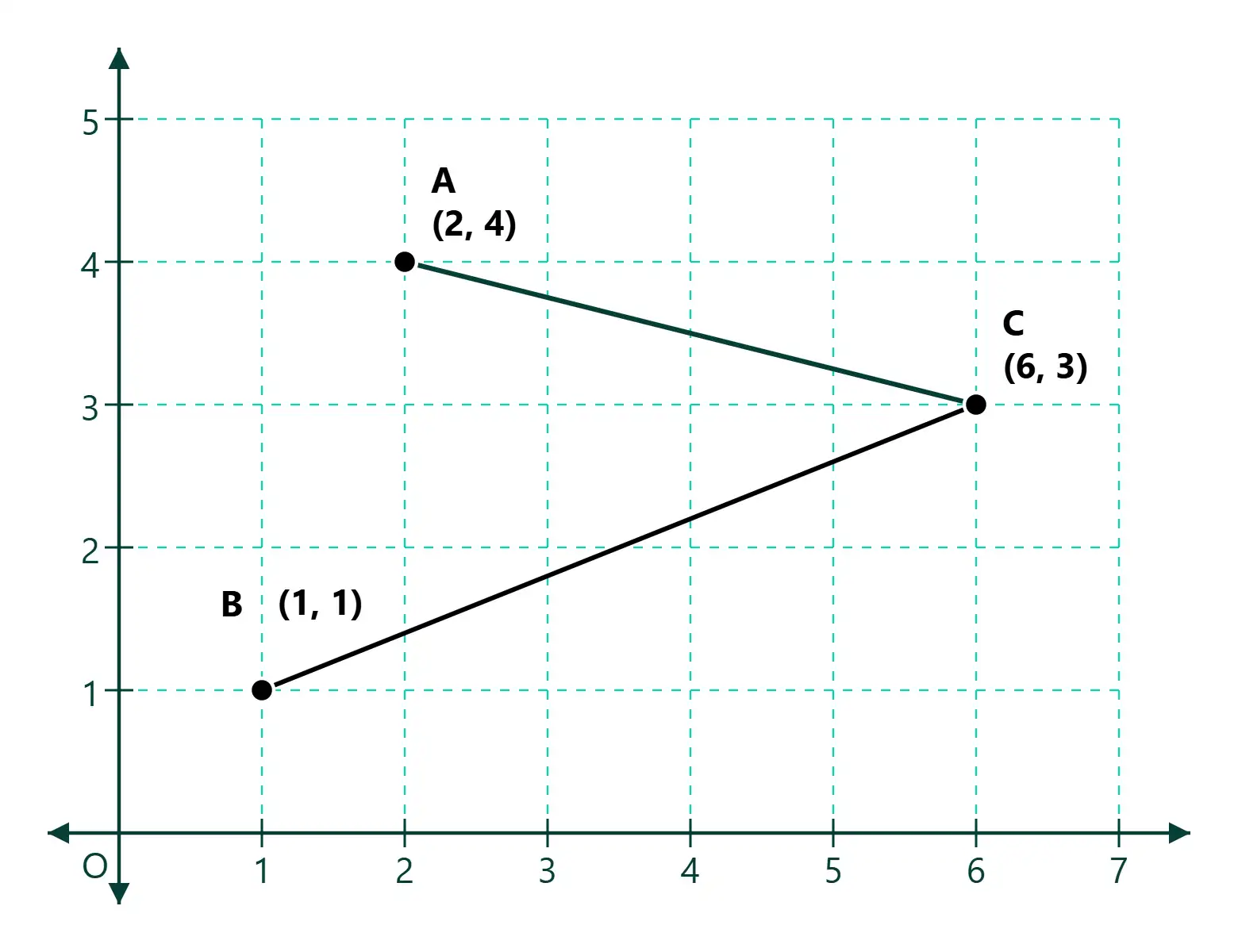
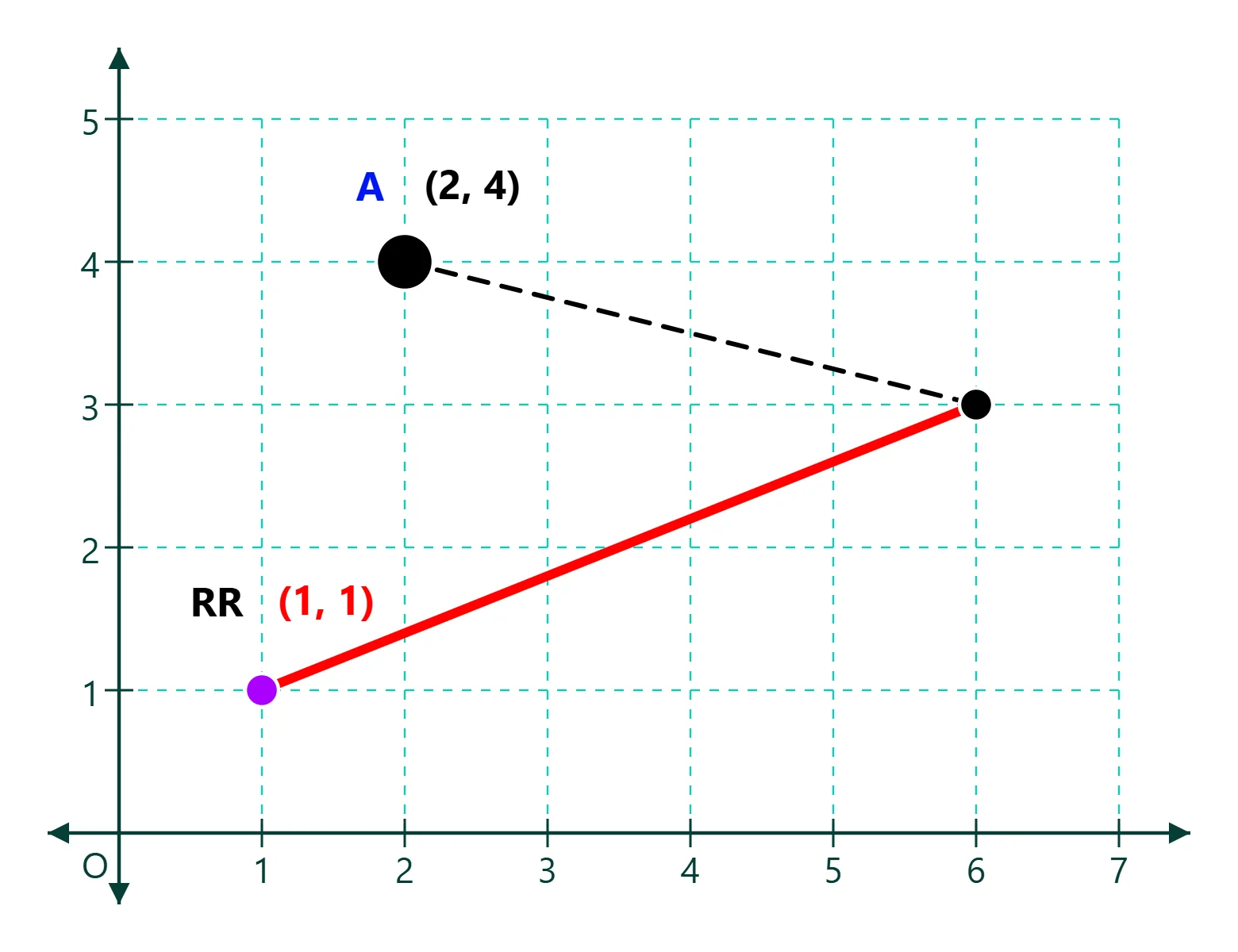
Set up the coordinate plane, plot your points, refine the diagram, and export when it is ready.
Useful details about plotting, customisation, local saving, and export formats.
Graph Editor is a browser-based coordinate-plane editor for creating mathematical graphs with configurable axes and grids, points, line segments, labels, and styling.
Yes. Add points at grid intersections and create line segments between points. Points use mathematical (x, y) coordinates, and inserted items snap to the configured grid.
Yes. Configure axis ranges, steps and ticks, grid spacing and appearance, and the overall graph styling.
Yes. Points support custom labels and coordinate labels, and you can position labels where they are easiest to read.
Yes. Export graphs as scalable SVG files or PNG images. PNG export includes 1x, 2x, 3x and 4x scale options.
Vexplot saves your working graph locally in this browser while you edit. Named documents can also be kept in the browser-local Vexplot Library, and you can download portable .vexplot files to keep or move elsewhere. There is no cloud sync or backup.
No. Graph Editor works without an account, and your drafts and Library documents remain in the browser on this device.