
1 / 3
Single measured angles
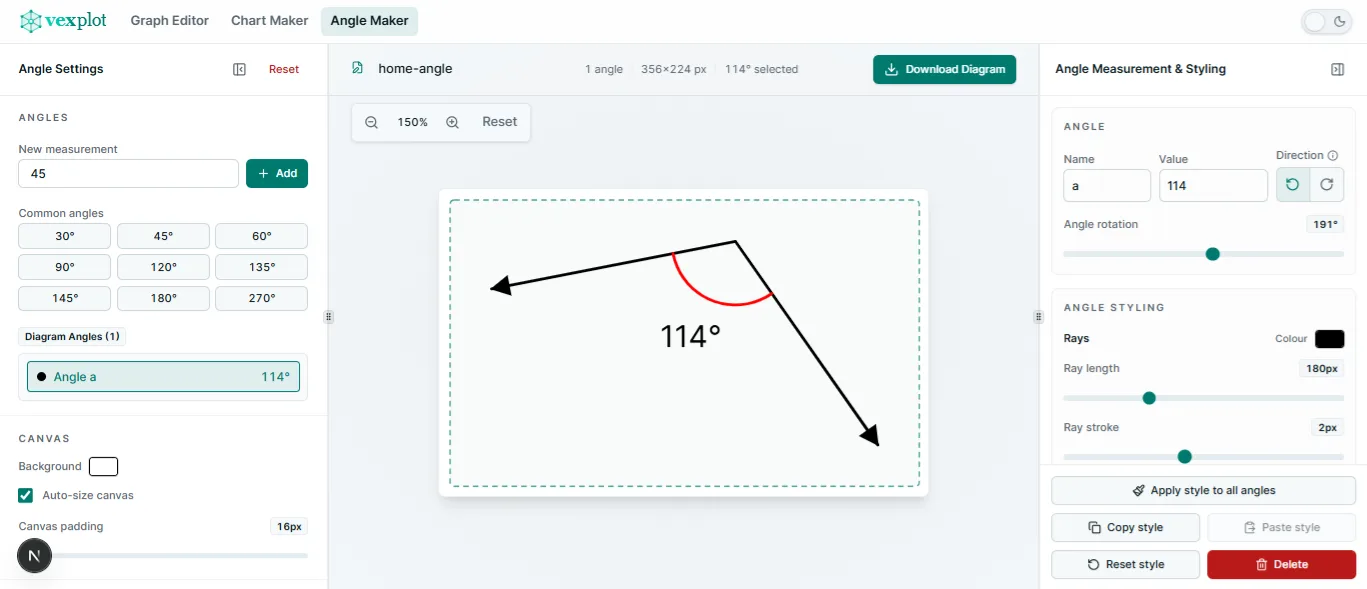
Create one focused angle with an editable measurement, direction, rotation, rays, marker, arrows, and draggable label.

Build clean, editable angle drawings for teaching, worksheets, and explanations. Create single angles, subdivide a parent into adjacent parts, or arrange a complete 360° multi-angle diagram, then refine the rays, markers, labels, and layout.
Angle Maker focuses on editable angle diagrams rather than full compass-and-straightedge construction. It keeps the canvas and its controls concise for practical teaching visuals.
Build single angles, adjacent subdivisions, or full-circle multi-angle diagrams, then place multiple diagram objects together on one exportable canvas.
Each mode uses the same focused canvas and inspectors while exposing the controls needed for one measurement, adjacent sub-angles, or a complete turn.
Choose the geometry mode first, then refine object-level rays and layout alongside the markers, labels, and measurements of individual sub-angles.
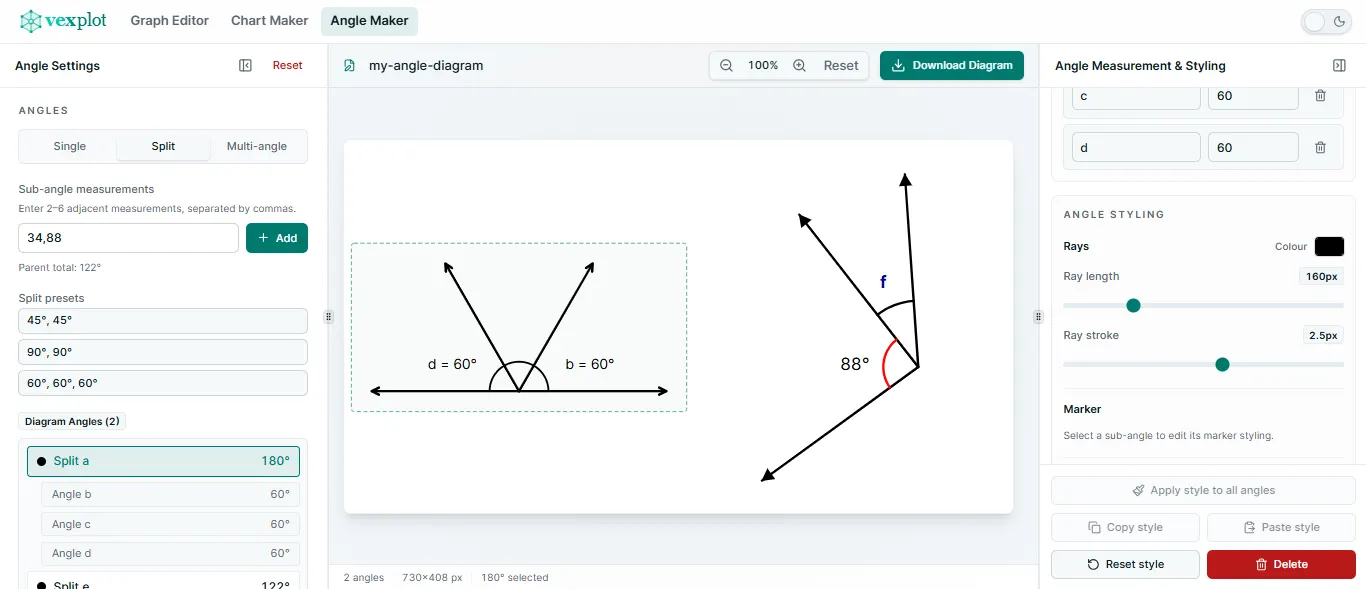
Create a single measured angle, divide a parent into adjacent split angles, or build a complete-turn multi-angle diagram around one vertex.
Enter two to six adjacent measurements. Angle Maker derives the parent total while each child keeps its own name, value, marker, and label styling.
Build multi-angle diagrams from editable sectors around a shared vertex. A remaining sector updates automatically so the complete turn stays at exactly 360°.
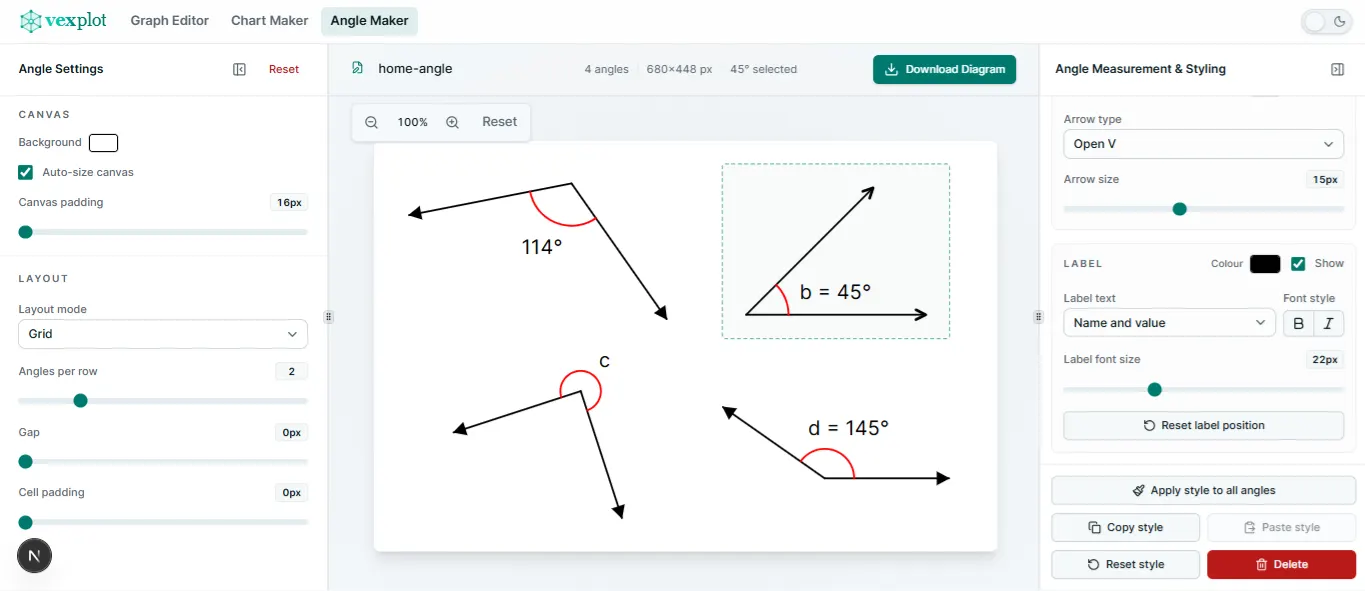
Add several single, split, or multi-angle objects and arrange them in a row, column, or grid with automatic or manual canvas sizing.
Style rays and arrows at object level, adjust each sub-angle marker and label independently, drag labels, and copy or apply styles across diagrams.
Export the full canvas as SVG or PNG, or make a PNG of the selected angle while editor-only overlays stay out of the result.
Keep multiple named angle diagrams in the Vexplot Library, then reopen and edit them later in this browser. Download a portable .vexplot file when you want to keep a separate copy or open it in another browser. There is no account or cloud sync.
Create a direct, readable angle visual without having to draw each ray and arc from scratch.
Choose a single, split, or multi-angle diagram, refine its geometry and styling, then save it to your Library or export it.
Useful details about angle modes, styling, saving, and export options.
Angle Maker creates single measured angles, split angles with adjacent parts, and full-circle multi-angle diagrams around a point.
Yes. Split an angle into two to six measured parts, or create a 360° diagram with editable sectors around a shared vertex.
Yes. Adjust measurements, names, direction, rotation, ray and arrow styles, markers, label styles, and label positions.
Yes. Save multiple named diagrams to the local Vexplot Library and reopen them in Angle Maker. You can also download and open portable .vexplot files.
Yes. Export the whole canvas as SVG or PNG, or export the selected angle as a PNG.
Yes. No account is required. Drafts and Library documents stay in the browser on this device, with no cloud sync.