
Worksheets and practice
Hide values, add question marks, or mark locations for students to identify.

Build precise number lines with integers, decimals, or fractions. Customize ticks, labels, spacing, arrows, and styles, then export your finished number line as SVG or PNG.
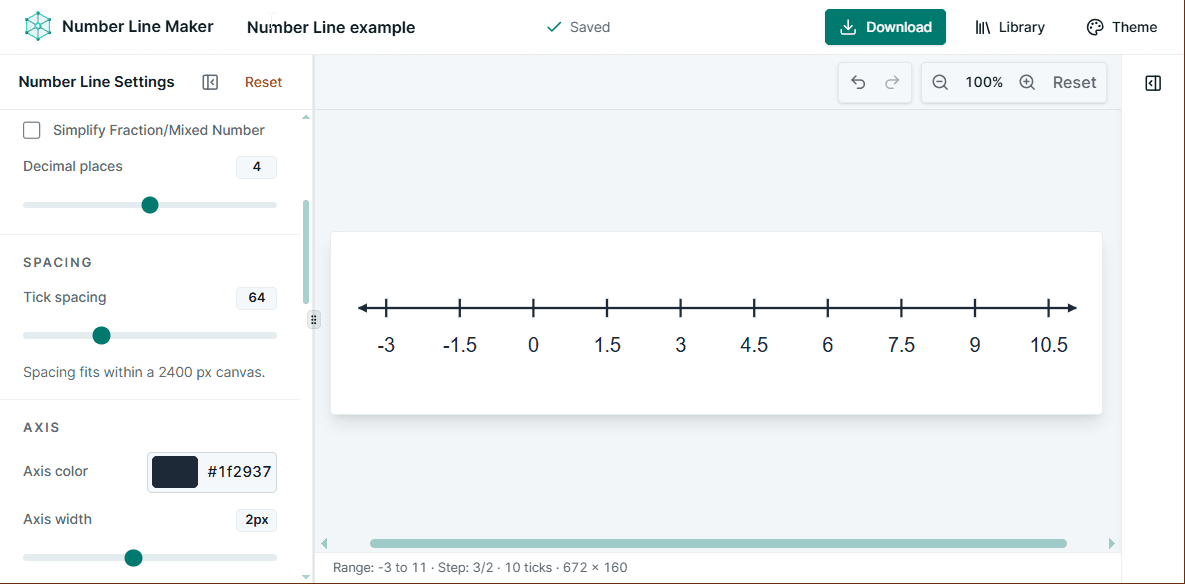
Set the minimum, maximum, and interval using whole numbers, decimals, or fractions. Vexplot keeps tick values exact, so a step like 1/3 stays a true fraction instead of turning into floating-point noise.
Choose how values appear across the line:
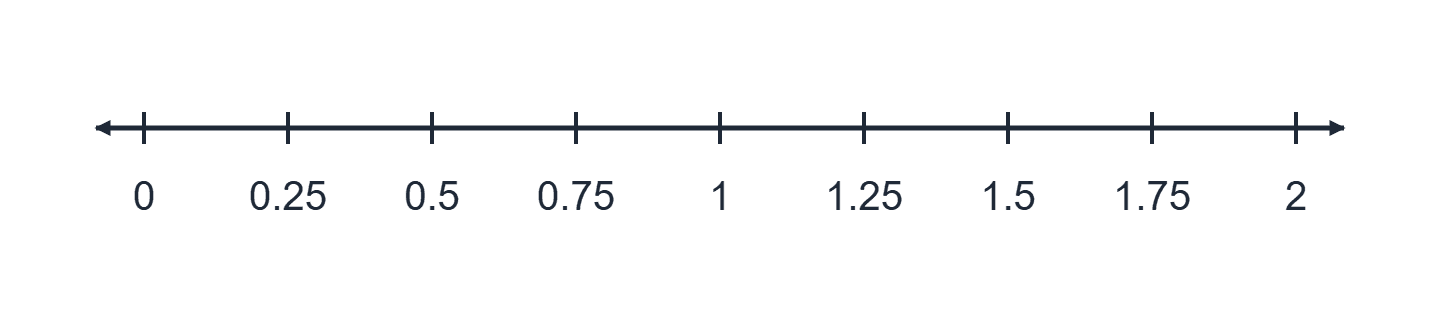
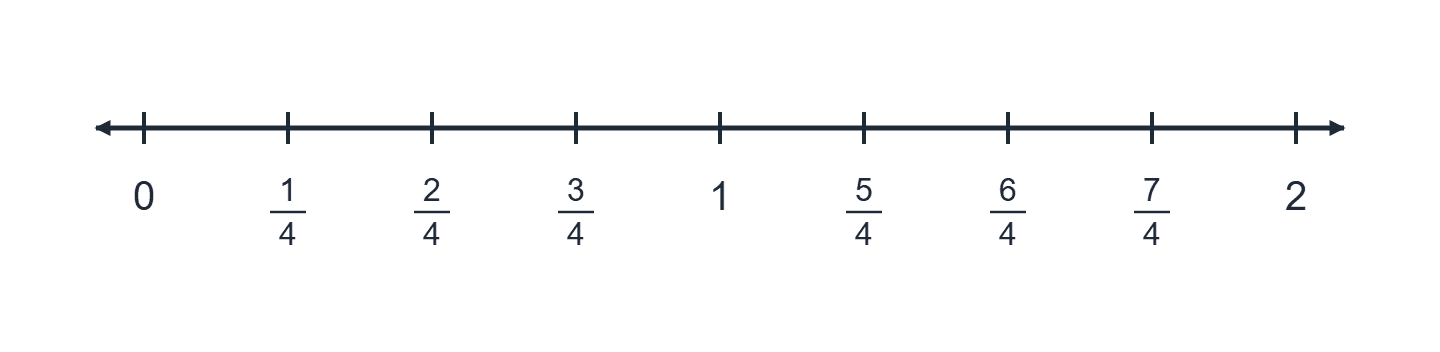
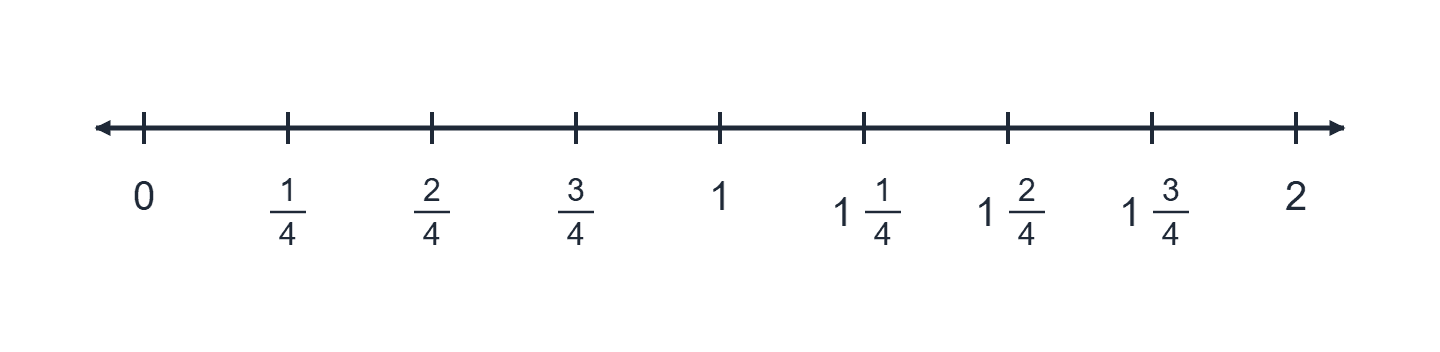
Control the appearance without redrawing anything. Adjust the line while the preview updates immediately.
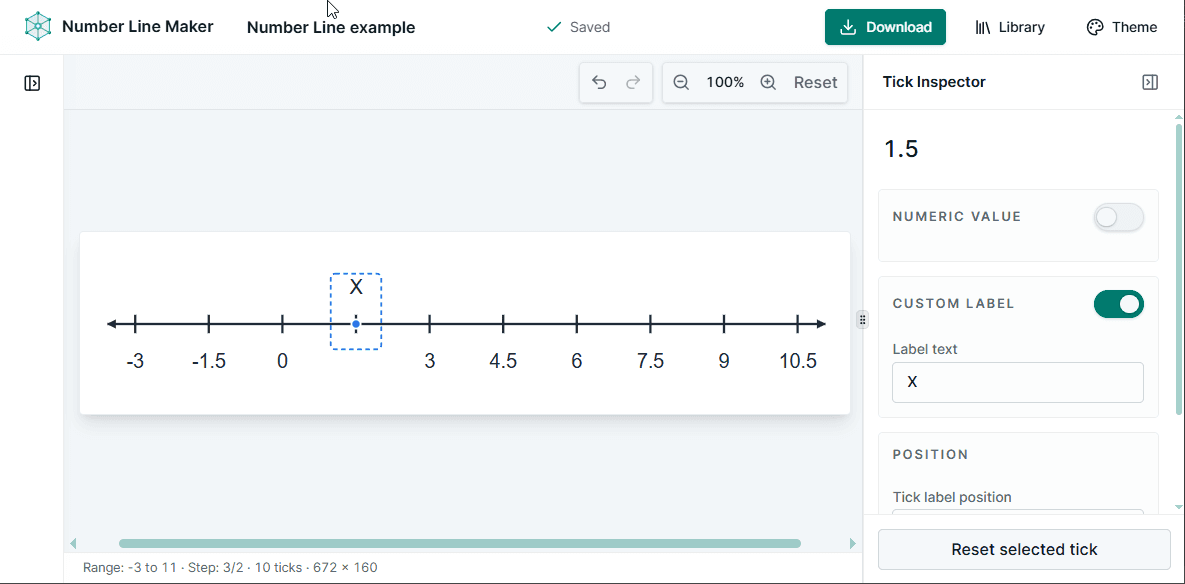
Select any tick to customize it without changing the rest of the line. Hide its number, add a custom label, or place the label above or below the axis.
Fraction labels use stacked numerator and denominator layouts. Simplify them for a cleaner line, or leave equivalent fractions visible for an exercise. Negative values and whole numbers stay readable too.
Useful for fraction comparison, equivalent-fraction exercises, intervals, and worked examples.
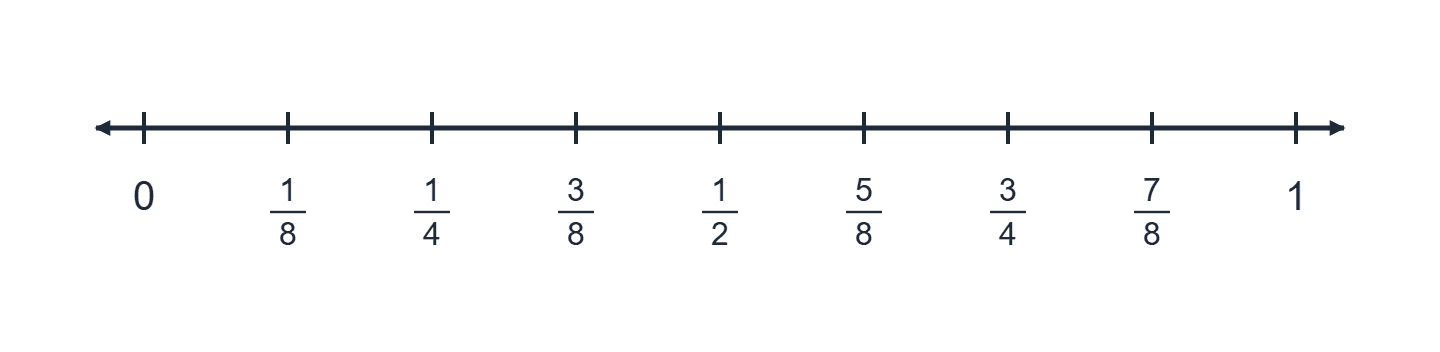
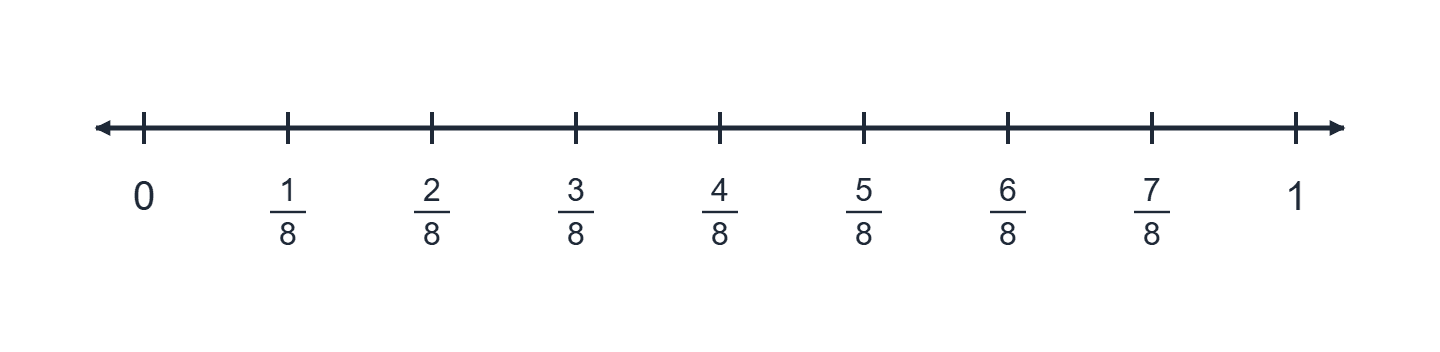
Export SVG for scalable editing and print, or PNG for slides, worksheets, documents, and online lessons. The export matches the preview, including fractions, custom labels, arrows, and colours. Selection outlines stay in the editor.
Create and export your number lineSharp at any size for print and editing.
Easy to add to a document or slide.
Create multiple documents and return to them from the built-in Library. Your work is stored locally in this browser, and you can download portable .vexplot files to keep or move an editable copy.
No account or cloud sync required.
Open your LibraryKeep editable number-line documents in this browser.
Download a .vexplot file for portable editable work.
Create a clear horizontal number line without drawing one manually.
Hide values, add question marks, or mark locations for students to identify.
Create exact fractional intervals with readable stacked notation.
Set decimal steps and control displayed precision.
Export a clean PNG and place it directly into a presentation.
Make consistent question graphics with custom labels and hidden values.
Use arrows, labels, and styling to emphasize important points.
Set the range, customize the labels, and export a clean math graphic without drawing it by hand.
Free to use. No account required.
Answers about values, labels, exporting, and saving your number lines.
Yes. Enter fractional minimum, maximum, and step values such as -1/2, 3/2, or 1/4. Fraction display mode renders non-integer values as stacked fractions.
Yes. Decimal values are supported for the range and step, and Decimal display mode lets you choose the displayed precision.
Yes. Mixed Number format converts improper fractions into a whole-number-and-fraction display while keeping the underlying value exact.
Yes. Select a tick and turn off its numeric value. You can add a custom label such as ?, x, or A independently.
Yes. Values can be placed above or below the axis globally, and individual ticks can override that position.
Yes. The left and right arrowheads can be enabled or disabled independently.
Yes. Choose a transparent background in the export options.
Export the finished diagram as SVG or PNG. PNG export includes multiple scale options for higher resolution.
No. Number-line documents can be stored in the browser-local Vexplot Library without an account.
Edits to Library documents are saved locally in the browser. You can also download a .vexplot file as a portable copy.
A number line can contain up to 41 generated ticks. This keeps diagrams readable and prevents excessively large canvases.
Yes. SVG gives you scalable artwork, while PNG is convenient for worksheets, documents, slides, and learning platforms.